For small businesses, being visible online is essential. Many people search for products or services through search engines like Google. Without a strong online presence, small businesses might struggle to reach new customers. This is where SEO, or Search Engine Optimization, becomes important. The right SEO tools can make a big difference in helping small businesses grow. So, what are the best SEO tools for small businesses?
Best SEO tools for small businesses are SEMrush, Ahrefs, Google Analytics, and Yoast SEO. SEMrush and Ahrefs offer keyword and backlink tools. Google Analytics tracks traffic and behavior. Yoast SEO improves the on-page SEO. These tools help businesses increase search rankings and reach more customers.
In this guide, we’ll explore top SEO tools that can help small businesses succeed online. We’ll discuss each tool’s features and explain how they support business growth through better SEO.
Key Takeaways
- SEMrush and Ahrefs: Help with keywords, backlinks, and competitor research.
- Google Analytics: Tracks website traffic and user activity.
- Yoast SEO: Improves on-page SEO for WordPress sites.
What Are SEO Tools?
SEO tools are software programs that help websites rank higher in search engines. They analyze data and provide useful information to improve website performance. They check for things like keywords, website speed, etc. By using SEO tools, small businesses can see what their website needs to do better.
SEO tools also help find popular search terms, called keywords, that people look for online. By using these keywords, a website can attract more visitors. Some tools show how competitors rank and help businesses adjust their strategies.
Google Trends: Seasonal Or Ever-Evolving Trends
Google Trends is a free tool that shows what people search for on Google. It helps small businesses see popular topics and track if a trend is growing or fading. Businesses use Google Trends to plan content around high-interest topics. They can also compare the search terms to find the best keywords.
Google Trends shows when people start searching more for holiday gifts or seasonal items. This helps small businesses know when to focus on certain products or promotions. They can adjust their content to match popular demand. By doing this, they can attract more visitors and meet customer needs at the right time.
Google Trends is also useful for picking the best keywords. Businesses can compare different keywords to see which is more popular. For example, if two product names are similar, Google Trends shows which one people search more. This helps small businesses make smart keyword choices and improve their search ranking.
SEMrush: All-in-One Marketing Tool
SEMrush is a powerful tool for online marketing. It is an all-in-one platform that helps small businesses with many tasks. Small businesses use SEMrush to find good keywords and see what competitors are doing.
Keyword Research and Competitor Analysis: SEMrush helps you find the best keywords for your website. It shows which words people search for the most. It also reveals which keywords competitors are using. This helps small businesses choose the right words to attract more visitors.
SEO Audits for Small Businesses: SEMrush can check your website for SEO problems. It finds errors that can lower your search ranking. The tool creates a clear report on what to fix. Small businesses can use this report to improve their website’s performance.
Tracking Local SEO Performance: SEMrush tracks your website’s local search performance. It shows how your site ranks in specific cities or regions. This is helpful for small businesses that serve local customers. By tracking local SEO, they can reach more nearby customers.
SEMrush Social Media Tools: SEMrush also helps with social media. It lets you plan and post content on Facebook, Twitter, and other platforms. SEMrush shows how well your posts are performing. This helps small businesses connect with customers and grow their online presence.
Ahrefs: Comprehensive SEO Reporting
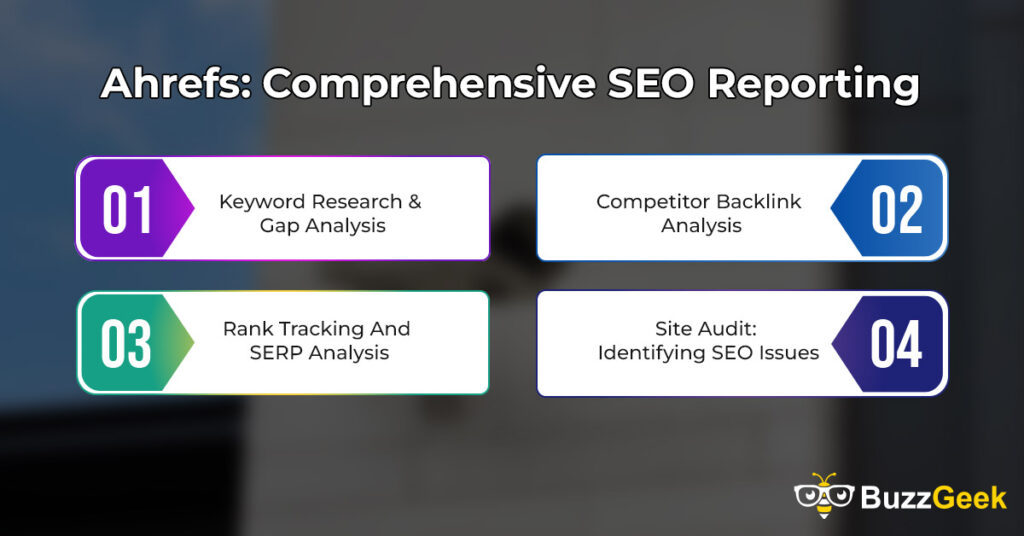
Ahrefs is a helpful tool for SEO reporting. It provides detailed information to help small businesses improve their search rankings. Ahrefs has many features that make SEO work easier and more effective.
Keyword Research & Gap Analysis: Ahrefs helps you find the right keywords. It shows how many people search for specific words. It also shows which keywords competitors use. With gap analysis, Ahrefs shows keywords your website may be missing. This feature helps small businesses find new opportunities to attract visitors and improve their website’s performance.
Competitor Backlink Analysis: Ahrefs lets you see the backlinks your competitors have. Backlinks are links from other websites. These links help improve search rankings. By knowing where competitors get their backlinks, you can try to get links from those sites too. More backlinks help boost your website’s authority, making it easier to rank higher.
Rank Tracking and SERP Analysis: Ahrefs tracks your website’s ranking in search results. It shows if your rank goes up or down. It also lets you see how your competitors are ranking. SERP analysis helps you understand why top pages rank well. This feature helps small businesses see where they can improve to reach higher positions in search results.
Site Audit: Identifying SEO Issues: Ahrefs has a site audit tool that checks for SEO problems. It finds issues like broken links, slow-loading pages, and missing tags. The site audit provides a list of things to fix. By fixing these problems, your website can perform better and rank higher in search results. This feature helps small businesses improve their websites for better visibility.
Google Analytics: User Data Insights
Google Analytics is a free tool from Google. It helps small businesses understand how visitors use their website. Google Analytics provides important data that shows what is working well and what needs improvement. It is very useful for learning more about your audience.
Setting Up Google Analytics for Small Businesses: Setting up Google Analytics is simple. You add a tracking code to your website. This code lets Google collect data about your visitors. Once it is set up, you can see where visitors come from, what pages they view, and how long they stay. Small businesses can use this data to make better decisions and improve their website.
Conversion Tracking Inside Google Analytics: Google Analytics can track conversions, like sales or sign-ups. Conversions show how many visitors complete important actions on your site. You can set goals in Google Analytics to track these actions.
For example, a small business can track how many people make a purchase or fill out a form. Conversion tracking helps small businesses understand what encourages visitors to become customers.
Analyzing Traffic Sources and User Behavior: Google Analytics shows where your website traffic comes from. It shows if visitors come from search engines, social media, or direct visits. This helps small businesses see which sources bring in the most visitors.
Google Analytics also shows user behavior, like which pages visitors click on the most. This information helps small businesses improve their content and attract more visitors.
Identifying Key Metrics for Small Business Success: Google Analytics provides key metrics that show how well a website is doing. Important metrics include the number of visitors, average time on page, and bounce rate.
Bounce rate shows how many people leave the site quickly. Small businesses can use these metrics to track progress and set goals. By focusing on these key metrics, small businesses can make better decisions to improve their website and attract more customers.
Google Search Console: Website Performance Monitoring
Google Search Console is a free tool from Google. It helps small businesses monitor their website’s performance in search results. This tool shows how well your website is doing on Google and helps identify any problems that affect visibility.
Setting Up Google Search Console: Setting up Google Search Console is easy. You verify your website by adding a code or linking it to Google Analytics. Once it’s set up, Google Search Console starts collecting data about your website. This tool gives important information, like search terms that bring people to your site and any errors that might stop it from showing up in search results.
Tracking Website Visibility and Search Queries: Google Search Console helps small businesses see how often their website appears in search results. It shows the keywords people use to find your site. This data helps you understand what topics interest your visitors.
You can also see the average position of your website for different keywords. Tracking these search queries helps small businesses understand what content attracts visitors and where they can improve.
Essential Google Search Console Reports for Small Businesses: Google Search Console has several important reports. The “Performance” report shows clicks, impressions, and search rankings. The “Coverage” report lists any issues with pages on your site.
The “Sitemaps” report confirms if your site map is working correctly. These reports help small businesses find problems and see how their website is performing on Google. Small businesses can use these reports to improve their website’s visibility and user experience.
Identifying and Fixing Indexing Issues: Google Search Console helps identify and fix indexing issues. Indexing is how Google reads and stores your website’s pages. When pages aren’t indexed, they won’t show up in search results.
The tool shows any pages with errors, like broken links or missing content. It also lets you request indexing for new or updated pages. Fixing these issues helps small businesses ensure all their pages are visible to potential customers.
Moz: Beginner-Friendly SEO Tool
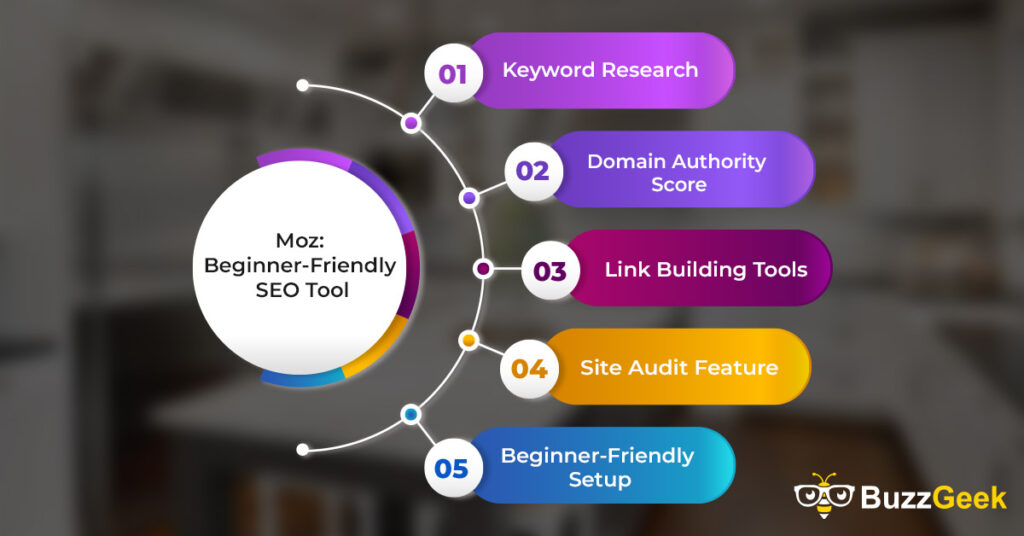
Moz is a beginner-friendly SEO tool. It’s great for small businesses that want to improve their online presence. Moz has tools that help make SEO easier to understand and use. Here are some key features of Moz:
- Keyword Research: Moz helps find popular search terms to improve website content.
- Domain Authority Score: Measures the strength of your website to track growth.
- Link Building Tools: Helps build links that improve website authority and search rankings.
- Site Audit Feature: Finds SEO issues on your website that need fixing.
- Beginner-Friendly Setup: Easy setup and guides make Moz perfect for beginners.
Crazy Egg: Understanding User Behavior
Crazy Egg is a tool that shows how users interact with your website. It helps small businesses understand what visitors do when they’re on the site. Crazy Egg collects data about user actions, like where they click and how far they scroll. This tool makes it easy to see what parts of a page get the most attention. Small businesses use Crazy Egg to learn more about user behavior and improve their website to keep visitors interested.
Heatmaps: Tracking User Clicks and Behavior: Heatmaps are a feature in Crazy Egg that show where users click on a page. It uses color to highlight areas with the most clicks. Red areas mean high activity, and blue areas mean low activity. Heatmaps help small businesses see what parts of the website get the most attention.
This information can guide changes to the layout or design. For example, if users click on images more than text, you may add more images. Heatmaps help businesses create a website that meets visitor interests.
Scrollmaps: Analyzing User Engagement on a Page: Scrollmaps are another feature in Crazy Egg. They show how far down a page users scroll. This helps small businesses see if visitors reach important content lower on the page. The top of the page is usually red, showing more engagement. As you scroll down, colors change to blue, showing fewer users reach the bottom.
Scrollmaps help businesses know where to place key information. When visitors don’t scroll far, important content should be higher on the page.
A/B Testing for Optimizing Website Design: Crazy Egg offers A/B testing to help improve website design. A/B testing means showing two versions of a page to different users. You can test different colors, buttons, or layouts to see which one works best.
This helps small businesses find the design that attracts more visitors or gets more clicks. A/B testing lets businesses make decisions based on real user data. It’s a useful way to find out what design changes improve user experience and engagement.
Using Crazy Egg to Improve Conversions: Crazy Egg can help small businesses improve conversions. Conversions are actions like purchases, sign-ups, or clicks on a call-to-action. Crazy Egg shows how users behave on each page. By studying this data, businesses can make changes to increase conversions.
For example, if users don’t click a sign-up button, you can try moving it or changing the color. Small businesses use Crazy Egg to test ideas and find ways to turn more visitors into customers.
Yoast SEO: Optimizing WordPress Sites
Yoast SEO is a popular tool for WordPress websites. It helps small businesses improve their SEO on WordPress. Yoast SEO guides users step-by-step to optimize pages and posts. It has simple settings that show you what to change for better search rankings. Yoast SEO is beginner-friendly and provides clear instructions.
On-Page SEO with Yoast: Yoast SEO makes on-page SEO easy. On-page SEO means improving each page on your website for better ranking. Yoast SEO checks for important elements like keywords, title tags, and meta descriptions. It shows a green light when a page is well-optimized.
When anything needs fixing, Yoast gives simple suggestions. For example, it might tell you to add a keyword or shorten your title. Small businesses use Yoast to make sure each page is strong for SEO.
Setting Up Schema Markup with Yoast: Yoast SEO also helps with schema markup. Schema markup is code that helps search engines understand your website’s content better. It tells Google details like your business name, address, and services.
Yoast has a built-in tool to set up schema markup without coding skills. This is very useful for small businesses that want to stand out in search results. Schema markup can improve how your site appears on Google, sometimes adding extra information that catches the eye.
Optimizing Content for Readability and SEO: Yoast SEO helps you optimize content for readability. Readability is how easy it is to read and understand your content. Yoast analyzes your text and suggests changes, like shorter sentences or simpler words. It checks for clear structure, headings, and paragraphs.
Yoast also looks at SEO elements like keyword use and links. It gives a score based on readability and SEO. Small businesses use Yoast to create content that is easy to read and optimized for search engines, helping to attract more visitors.
Screaming Frog: Website Crawler
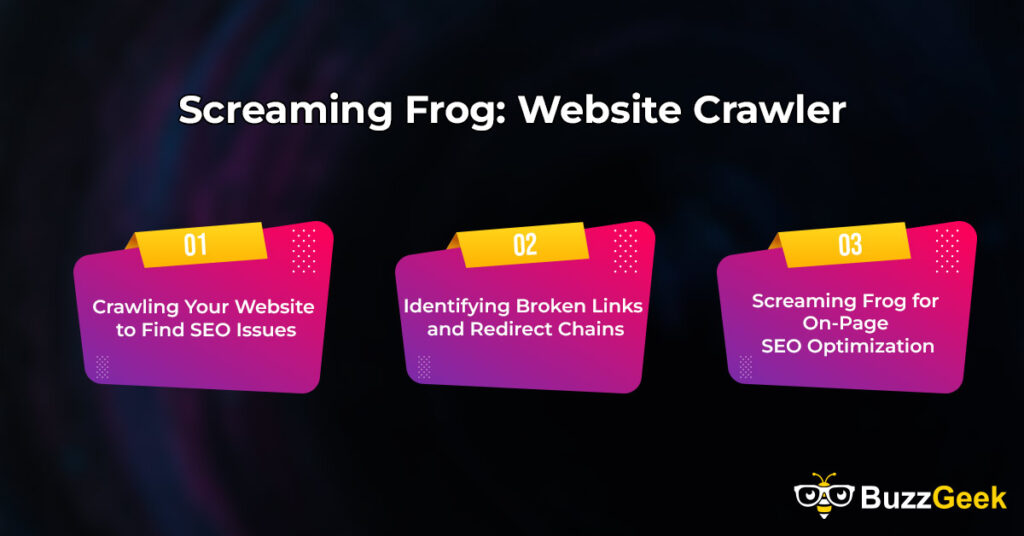
Screaming Frog is a tool that crawls websites to find SEO issues. Crawling means going through every page to check for problems. Small businesses use Screaming Frog to find things that may hurt their website’s ranking. It checks for issues like broken links, missing tags, and duplicate content.
Crawling Your Website to Find SEO Issues: Screaming Frog crawls your website to spot SEO problems. It scans each page for important SEO elements. These include title tags, meta descriptions, and headings. When something is missing or incorrect, Screaming Frog marks it in the report.
This helps small businesses see what needs fixing right away. By crawling the website, Screaming Frog finds issues that may be hard to spot manually. This tool saves time and helps make sure every page is well-optimized.
Identifying Broken Links and Redirect Chains: Screaming Frog can find broken links and redirect chains. Broken links are links that don’t work anymore, leading to an error page. Redirect chains happen when a page redirects several times before reaching the final page.
These issues can hurt SEO and frustrate visitors. Screaming Frog lists all broken links and redirects in the report. Small businesses can then fix or remove these links to improve user experience and SEO. This tool helps keep websites clean and easy to navigate.
Screaming Frog for On-Page SEO Optimization: Screaming Frog is also useful for on-page SEO. On-page SEO means optimizing each page of your website for search engines. Screaming Frog checks important parts like keywords, image tags, and page structure. It highlights issues that may lower a page’s ranking.
Small businesses use this information to make their pages stronger for SEO. Screaming Frog makes it easy to find areas that need improvement. This helps small businesses make sure each page meets SEO standards.
Google My Business: Local SEO
Google My Business (GMB) is a free tool for local SEO. It helps small businesses show up in local search results on Google. GMB shows important details like your business name, address, phone number, and hours. This profile appears on Google Search and Maps. Small businesses use Google My Business to attract nearby customers.
Setting Up Your Google My Business Profile: Setting up Google My Business is simple. You start by adding your business name, address, phone number, and website. You also select business categories that match your services.
Then, Google sends you a code by mail to verify your business. Once verified, your profile goes live. This profile helps people find your business in local searches. Small businesses should keep their information accurate to attract more customers.
Optimizing GMB for Local Search Visibility: Optimizing GMB helps improve your visibility in local search results. You can add photos, services, and special offers to make your profile stand out. It’s also good to update your hours, especially for holidays.
Adding keywords in your business description helps with local SEO. Small businesses that keep their GMB profile updated appear more in search results. This makes it easier for local customers to find them.
Collecting and Managing Customer Reviews: Google My Business allows you to collect and manage customer reviews. Reviews help build trust and attract new customers. Small businesses can ask happy customers to leave reviews. GMB also lets you respond to reviews.
Replying to reviews, both good and bad, shows you care about customer feedback. Positive reviews improve your local search ranking. Collecting reviews regularly helps build a good reputation.
Tracking Insights and Performance via GMB: Google My Business provides insights to track performance. These insights show how many people view your profile, call your business, or ask for directions. It also shows what keywords people use to find you.
Small businesses can use this data to see what’s working. For example, if many people search for “bakery near me,” a bakery can focus more on local keywords. Tracking insights helps businesses understand their audience and improve their local presence.
Other Notable SEO Tools for Small Businesses
There are many other useful SEO tools for small businesses. These tools help with different SEO tasks like on-page optimization, local SEO, and content ideas. Each tool has unique features that make SEO easier for small businesses. Using these tools helps improve website rankings and reach more customers.
Surfer SEO: On-Page Optimization Tool: Surfer SEO is a tool for on-page optimization. It helps small businesses improve their content to match top-ranking pages. Surfer SEO analyzes keywords, content structure, and word count.
It suggests changes to make content stronger for search engines. This tool shows what factors make other pages rank well. Small businesses use Surfer SEO to make their pages more competitive in search results.
BrightLocal: Local SEO and Citation Management: BrightLocal is a tool for local SEO. It helps small businesses manage their online listings and local citations. BrightLocal checks if business information is accurate across sites like Google, Yelp, and Facebook.
It also tracks local search rankings and collects customer reviews. BrightLocal is useful for businesses that serve local customers. It helps small businesses improve their visibility in local searches.
SE Ranking: Affordable SEO Software: SE Ranking is an affordable SEO tool with many features. It offers keyword tracking, site audits, and competitor analysis. SE Ranking helps small businesses monitor their website’s performance.
It shows changes in search rankings and traffic. SE Ranking also has a social media tracker. This tool is budget-friendly and has many tools in one place, making it popular with small businesses.
BuzzSumo: Content Research and Idea Generator: BuzzSumo helps small businesses with content ideas. It shows the most popular content on topics related to your business. BuzzSumo tracks social media shares to find trending topics.
It also shows which content types work best, like articles, videos, or infographics. Small businesses use BuzzSumo to create content that attracts more viewers. It’s a great tool for finding ideas and creating engaging content.
RankMath: SEO Plugin for WordPress: RankMath is an SEO plugin for WordPress websites. It helps small businesses improve on-page SEO. RankMath provides settings for keywords, meta tags, and image optimization. It shows an SEO score and gives tips to improve pages.
RankMath also helps with schema markup, making it easier for search engines to understand your site. Small businesses use RankMath to make their WordPress sites more SEO-friendly.
SEOquake: SEOquake is a free browser extension that provides quick SEO data. It shows metrics like domain authority, keyword density, and backlinks. SEOquake is easy to use and works directly in your web browser.
It helps small businesses analyze competitor websites quickly. Small businesses can use SEOquake to understand what makes other sites rank well. This tool is helpful for quick insights without needing a full software setup.
How To Choose The Right SEO Tools For Your Business
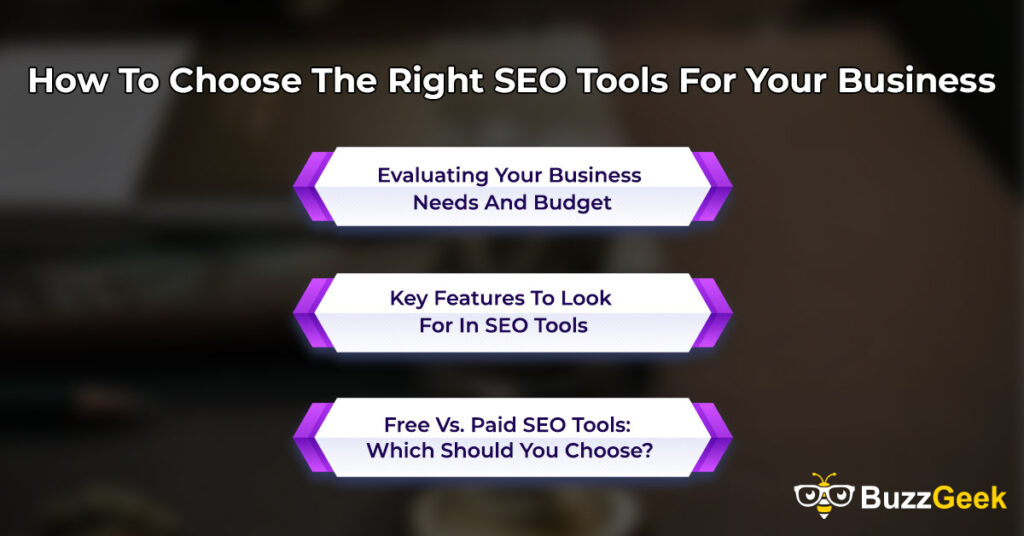
Choosing the right SEO tools can help your business grow. SEO tools make it easier to improve search rankings and attract more visitors. There are many tools, so it’s important to pick the ones that meet your needs. Here are some tips to help you choose the best tools for your business.
Evaluating Your Business Needs And Budget
Start by looking at your business needs. Think about the SEO tasks you need help with, like keyword research or local SEO. Also, consider your budget. Some SEO tools are free, while others require monthly payments.
Decide how much you can spend. Small businesses may want to start with free tools to save money. Once you know your needs and budget, you can choose tools that fit.
Key Features To Look For In SEO Tools
Look for SEO tools that have the features you need. Key features include keyword research, site audits, and rank tracking. When you want local customers, choose a tool with local SEO features. For WordPress sites, look for plugins like Yoast or RankMath.
Also, check if the tool is easy to use. Small businesses benefit from tools that have clear instructions and simple setups. Make sure the tools provide the features that help reach your business goals.
Free Vs. Paid SEO Tools: Which Should You Choose?
There are both free and paid SEO tools available. Free tools, like Google Analytics and Google Search Console, are helpful for basic tasks. They are good for small businesses with limited budgets. Paid tools, like SEMrush and Ahrefs, offer more features and detailed reports.
These tools can be worth the cost if you need advanced data. Small businesses should try free tools first to see what they need. When you need more, you can add a paid tool later.
FAQs
SEMrush Vs. Ahrefs: Which Is Best For Small Businesses?
SEMrush and Ahrefs are both strong SEO tools. SEMrush is good for keyword research, site audits, and social media. Ahrefs is best known for backlink analysis. Small businesses may prefer SEMrush because it offers more features and this tool is easy to use. Both tools can help improve website SEO.
Which SEO Tools Are Best For Tracking Backlinks?
Several tools track backlinks well. Ahrefs is excellent for backlink analysis, with a large database. SEMrush also has strong backlink tracking features. Moz has a Link Explorer tool, and Majestic specializes in backlinks. These tools help small businesses monitor their links and improve SEO.
Clearscope Vs. Surfer SEO: Which Is Better?
Clearscope and Surfer SEO both improve content. Clearscope suggests related terms to make content relevant. Surfer SEO gives on-page optimization tips. Surfer SEO may be better for small businesses because it has more features for on-page SEO. It helps make content stronger for search engines.
Is Google Search Console Free For Small Business Owners?
Yes, Google Search Console is free. It helps small business owners monitor their website’s search performance in search results. It shows search queries, tracks indexing, and identifies issues. Google Search Console helps small businesses improve search visibility without cost.
Which Are The Best SEO Tools For A Beginner?
For beginners, Google Analytics, Google Search Console, and Yoast SEO are ideal. These tools are free, simple, and offer essential SEO insights. They help track traffic, optimize content, and improve search visibility. SEMrush and Ahrefs are also powerful tools. Starting with these basic tools is a good choice.
Conclusion
In conclusion, the right SEO tools can make a big difference for small businesses. Tools like SEMrush, Ahrefs, Google Analytics, and Yoast SEO help improve search rankings, track website performance, and attract more customers. By choosing the right tools, small businesses can grow their online presence and reach more customers effectively.